Robo Renovations
This is the page for Robo Renovations as a project. For the page about it as a homebrew game (and to download it), visit the other page about it.
The sixth 64brew Game Jam was announced in December 2025 and ran for two months as per usual. This time the theme was ‘repair’ so Gary Jones III and I got cracking with ideas on what to make.
Pre-dev
When the game jam was announced we immediately got cracking on ideas. I started working on developing a logo screen and menu system since we’re going to need that anyway.
Meanwhile we we chatting about ideas. Since the theme was not announced yet, we had to come up with some vague game concepts that could fit with anything. Here are some:
- Take a classic arcade game and remake it in 3D
- Block-pushing game
- Maze-chase game
- Game entirely about tying and untying knots
- C-button combination game
- Controller-orientation swapping game
- Chao Garden / creature-raising game
- Clicker / idle game
Once the ‘repair’ theme was announced, we then focused on ideas for what we would actually make. None fo the ideas matched with the list above, lol.
- Pit-stop / mechanic game
- Cupid relationship repair game
- Exercise/calibration game
- Plant nurturing game
- DIY renovation game
Then there were some gameplay elements we wanted to bring in to make it a bit more “right-to-repair”
- Repair-vs-buy, where buying a replacement part is expensive but fast, and repairing is slow but cheap
- Hermit crab that picks trash as its shell
- Planned obsolescence – your parts expire after a while
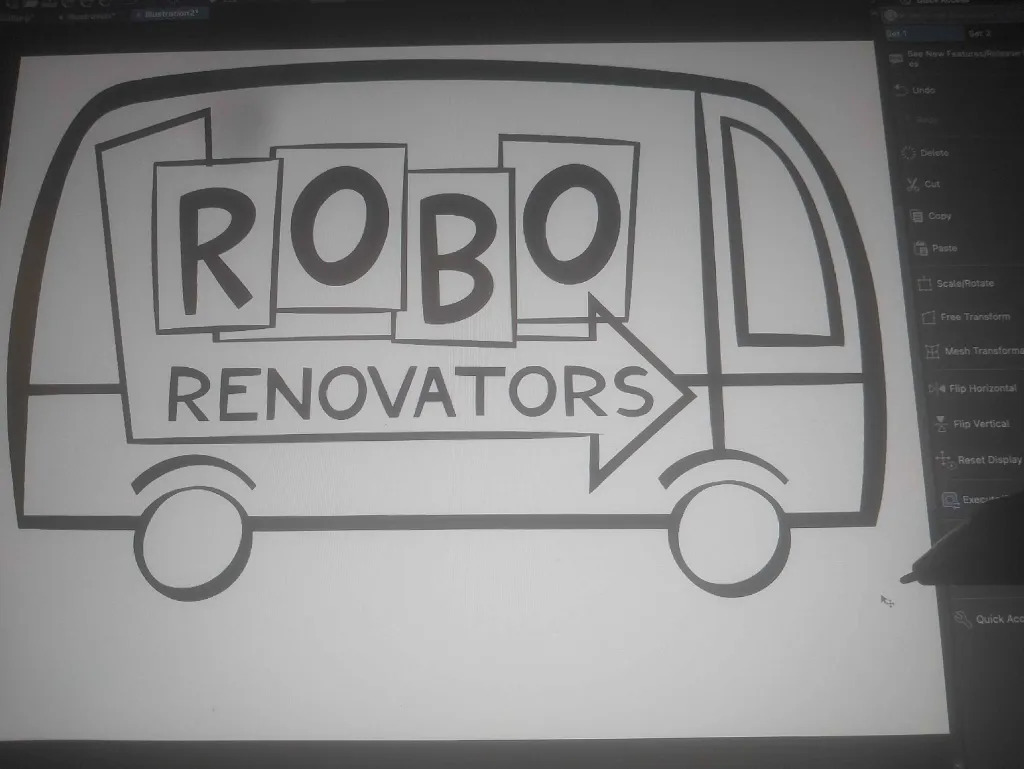
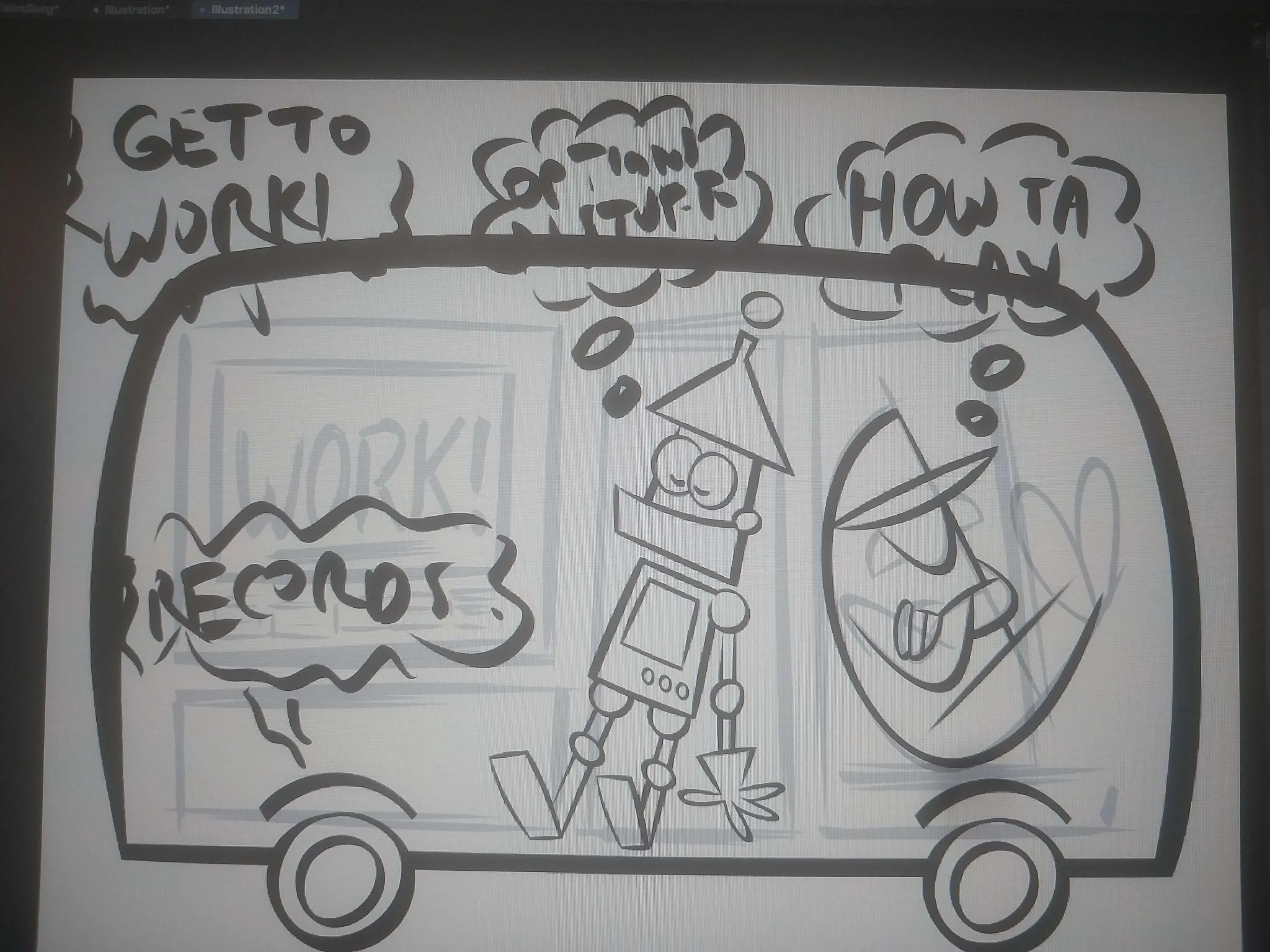
The proper plan
The idea that we centered on was the one about the player managing a group of robots that maintain a house.
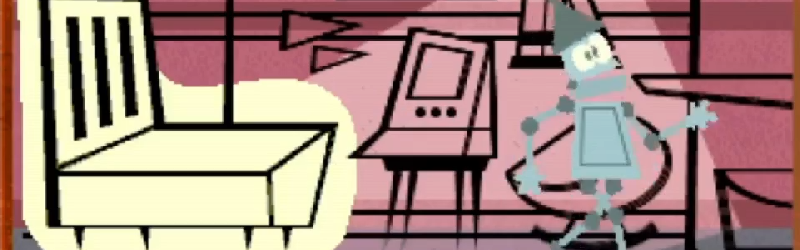
Tasks appear on furniture, appliances, and other objects in various rooms. The player adds tasks to a queue, and the robots move around the house and complete them.
Successful tasks earn money, which can be spent on robot upgrades, tools and additional robots for multitasking. Robots deteriorate over time from being used. When a robot becomes too damaged, it can be scrapped and replaced.
The game ends when a task is failed.
Rooms, furniture & tasks
Tasks have different durations and fall into three categories:
- AUTO: The robot can start the task and leave it running. The player does not need to supervise it continuously, although leaving it unattended for too long can cause problems.
- MANUAL: The robot must remain on the task until it is complete.
- TOOL: The task requires a specific tool. Tool tasks can be either AUTO or MANUAL.
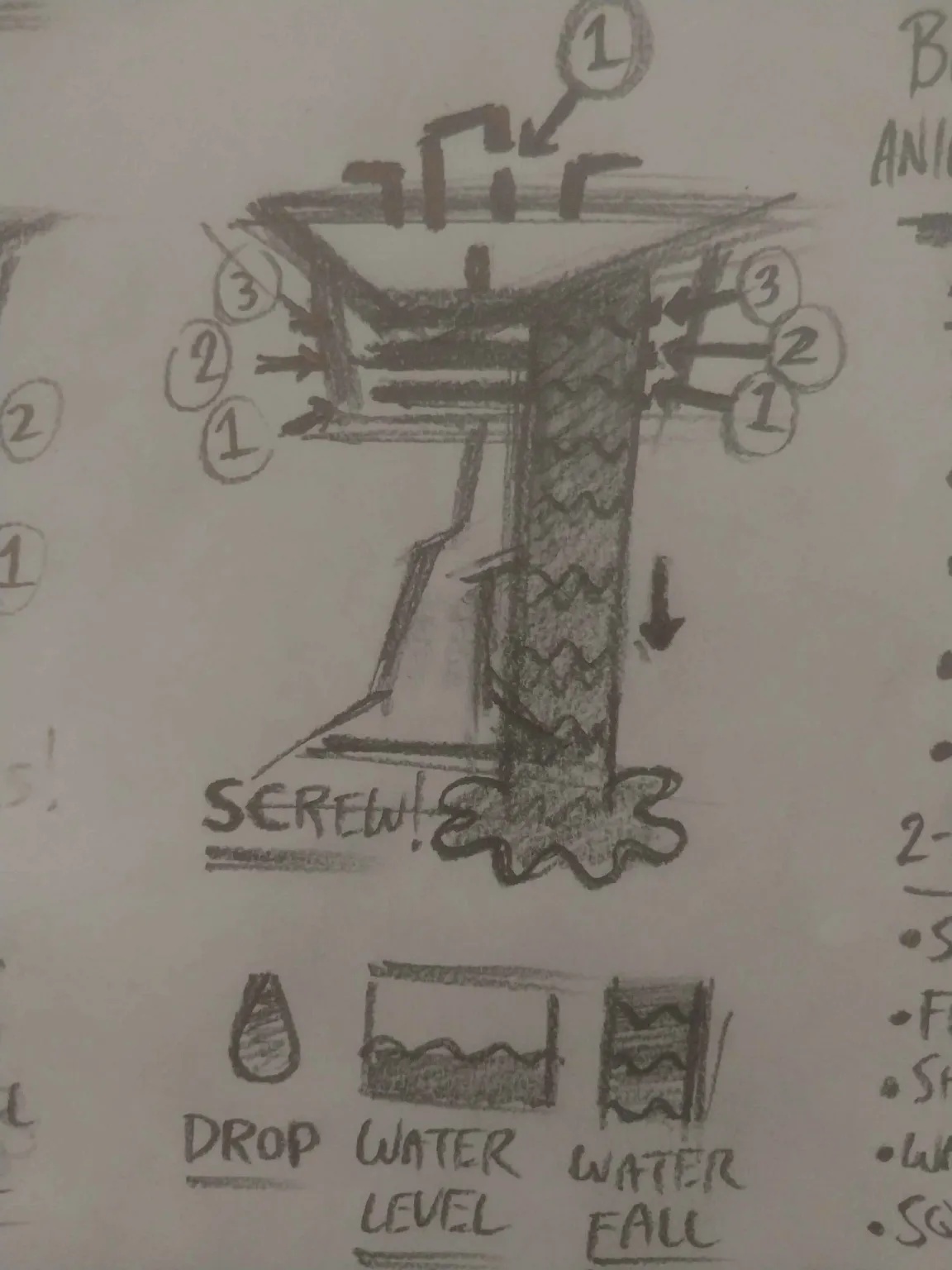
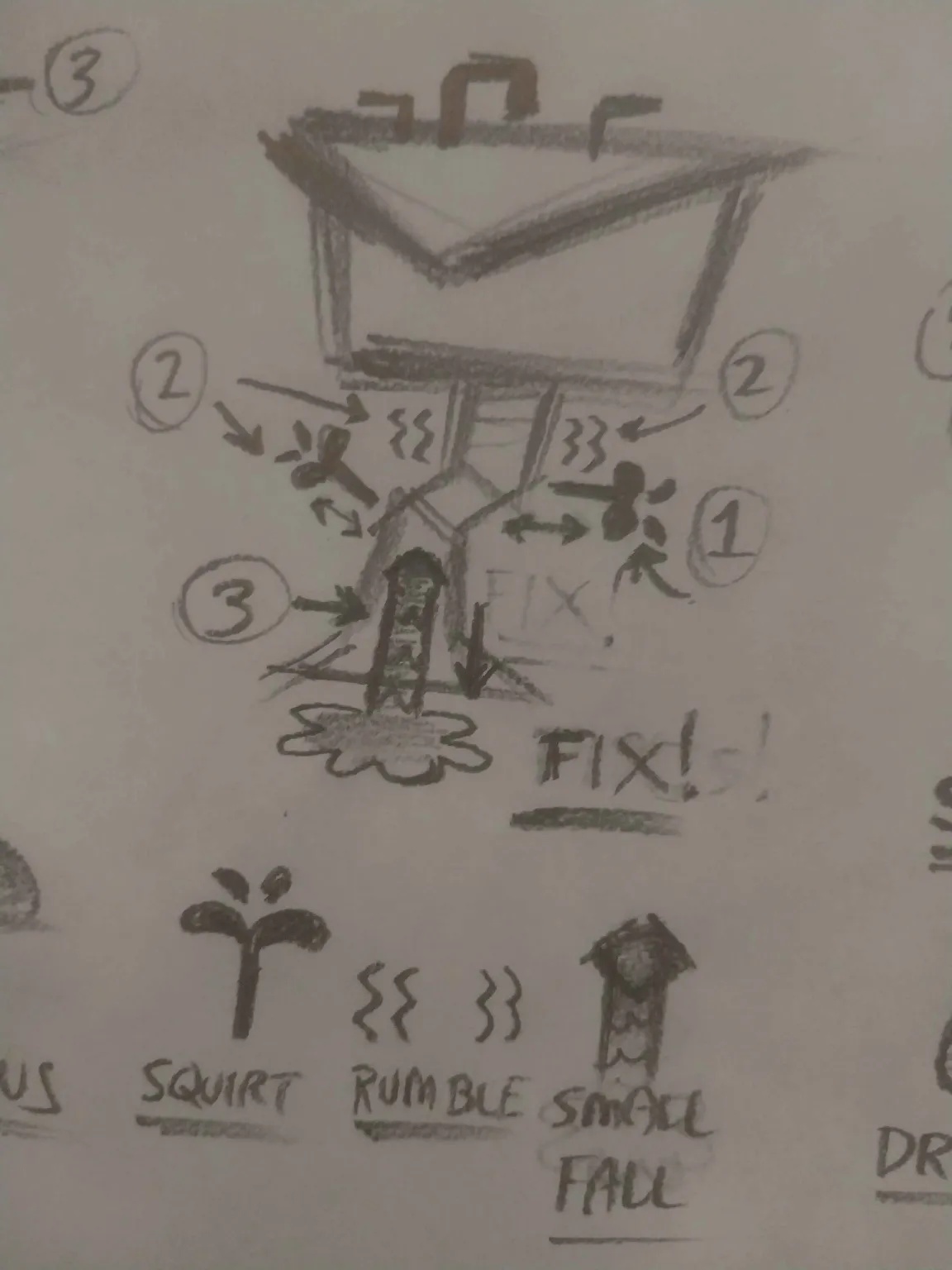
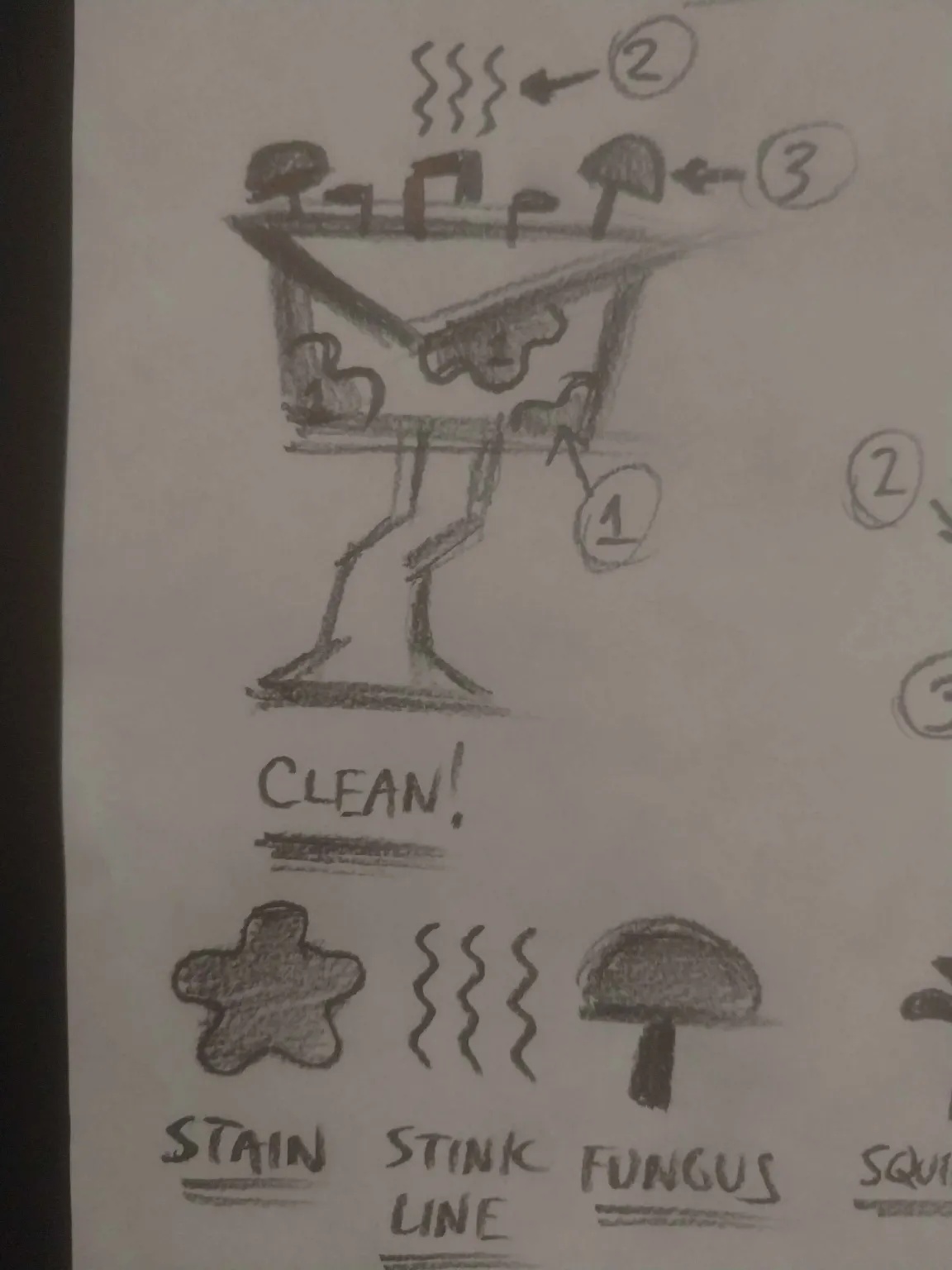
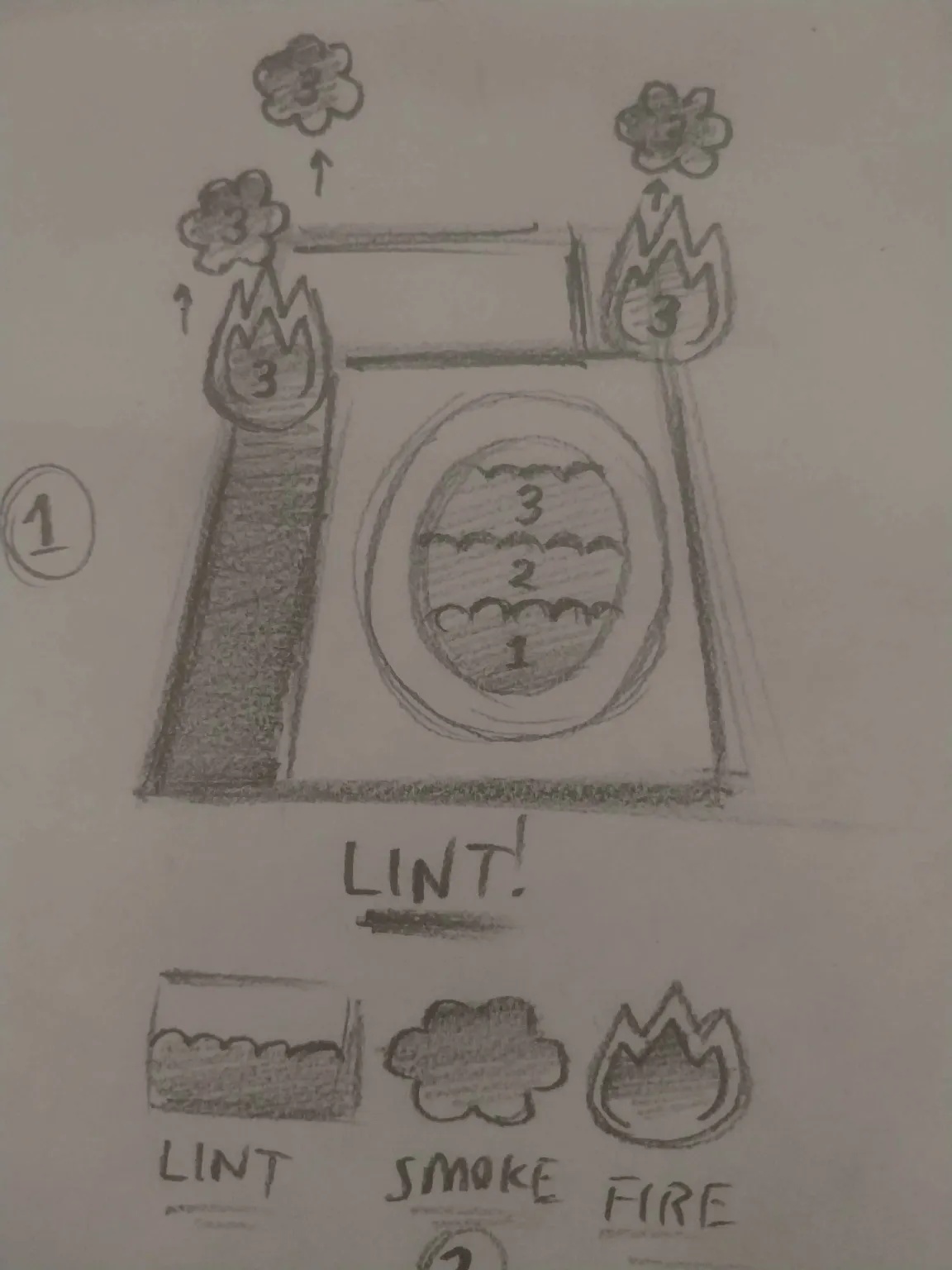
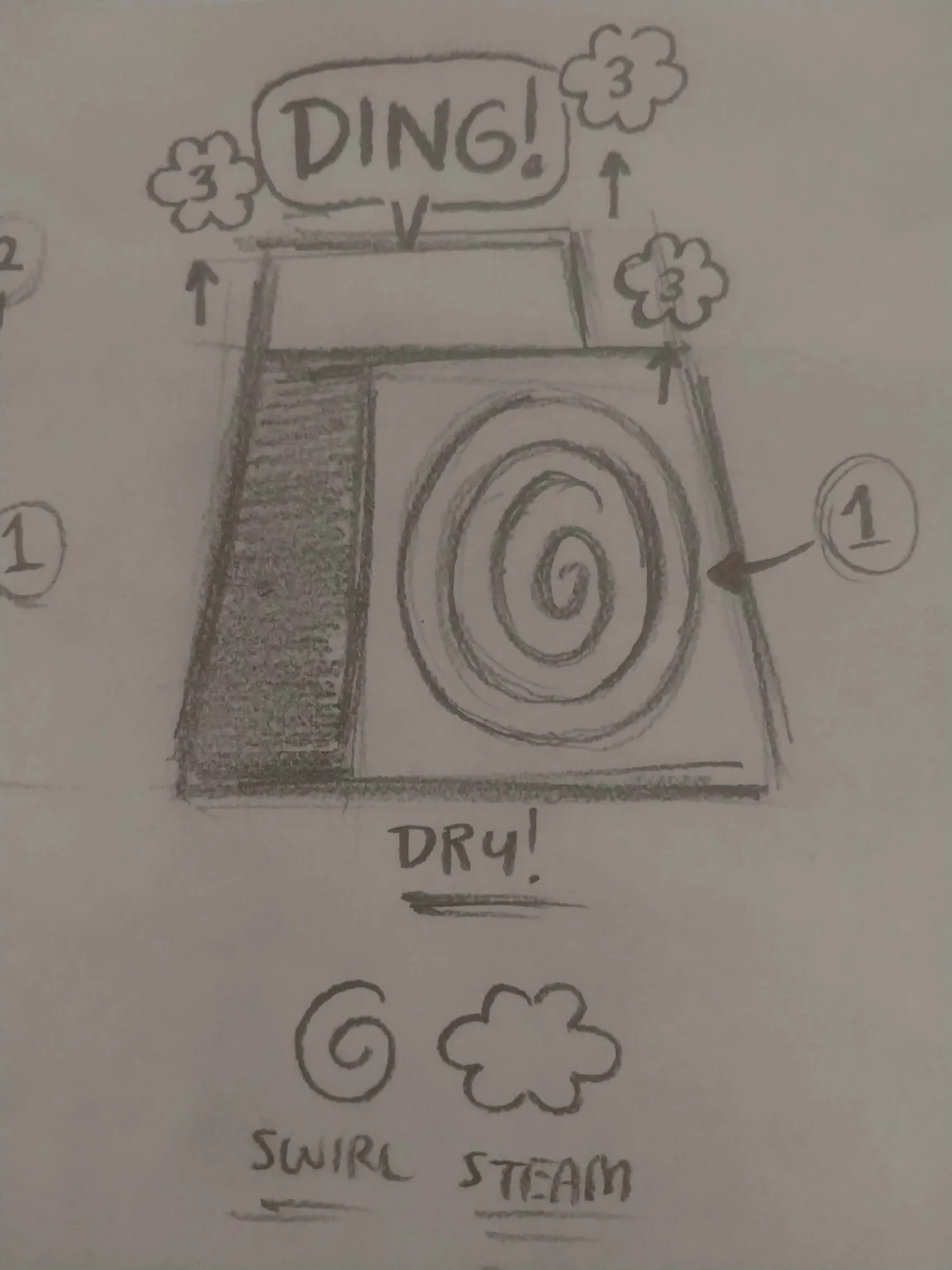
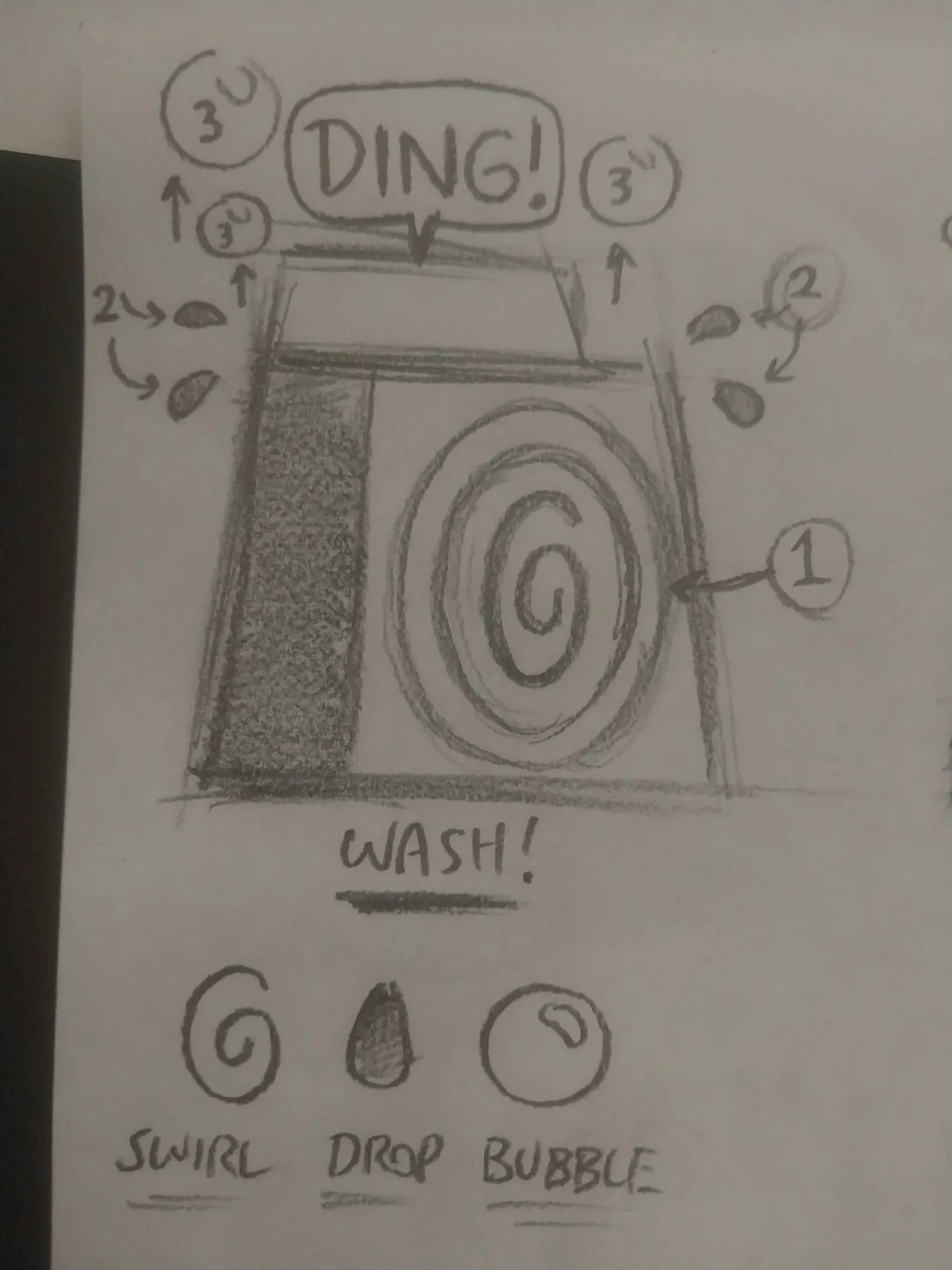
As tasks get ignored for too long, they change colour from green to amber to red to indicate how long it has left before it expires.
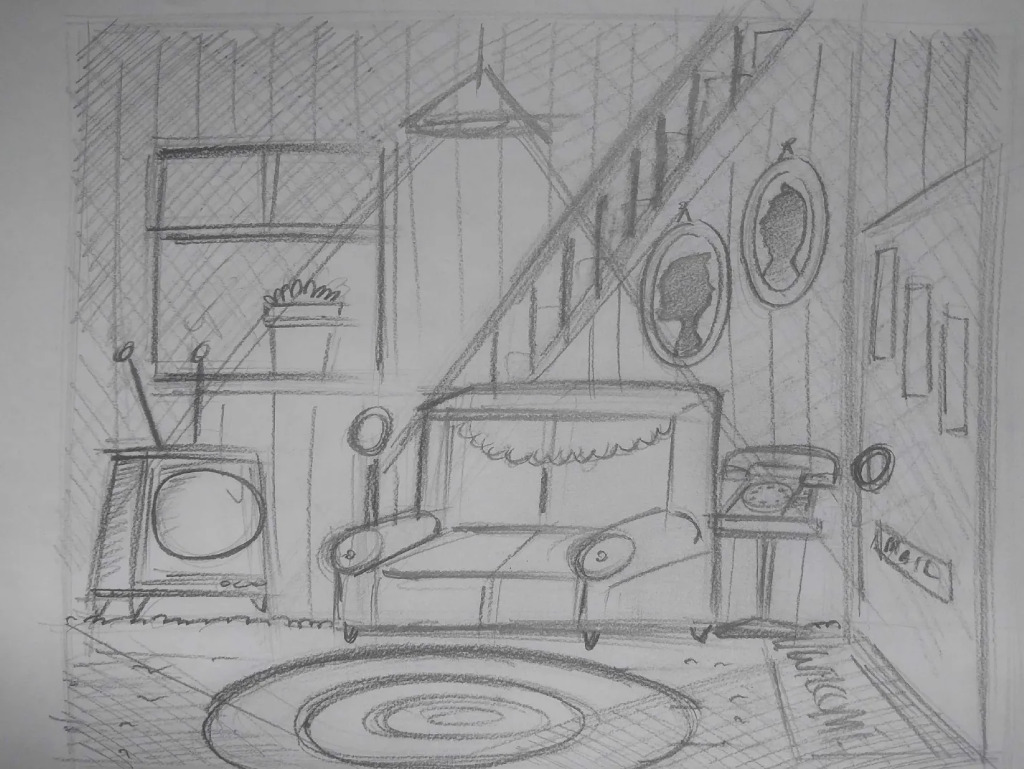
Living Room
Front Door
- Answer door
- Lock Door
- Answer phone
Sofa
- Adjust position
- Clean cushions
- Shoo dog away
TV
- Record program
- Adjust antenna
- Change channel
Window
- Grow / water plant
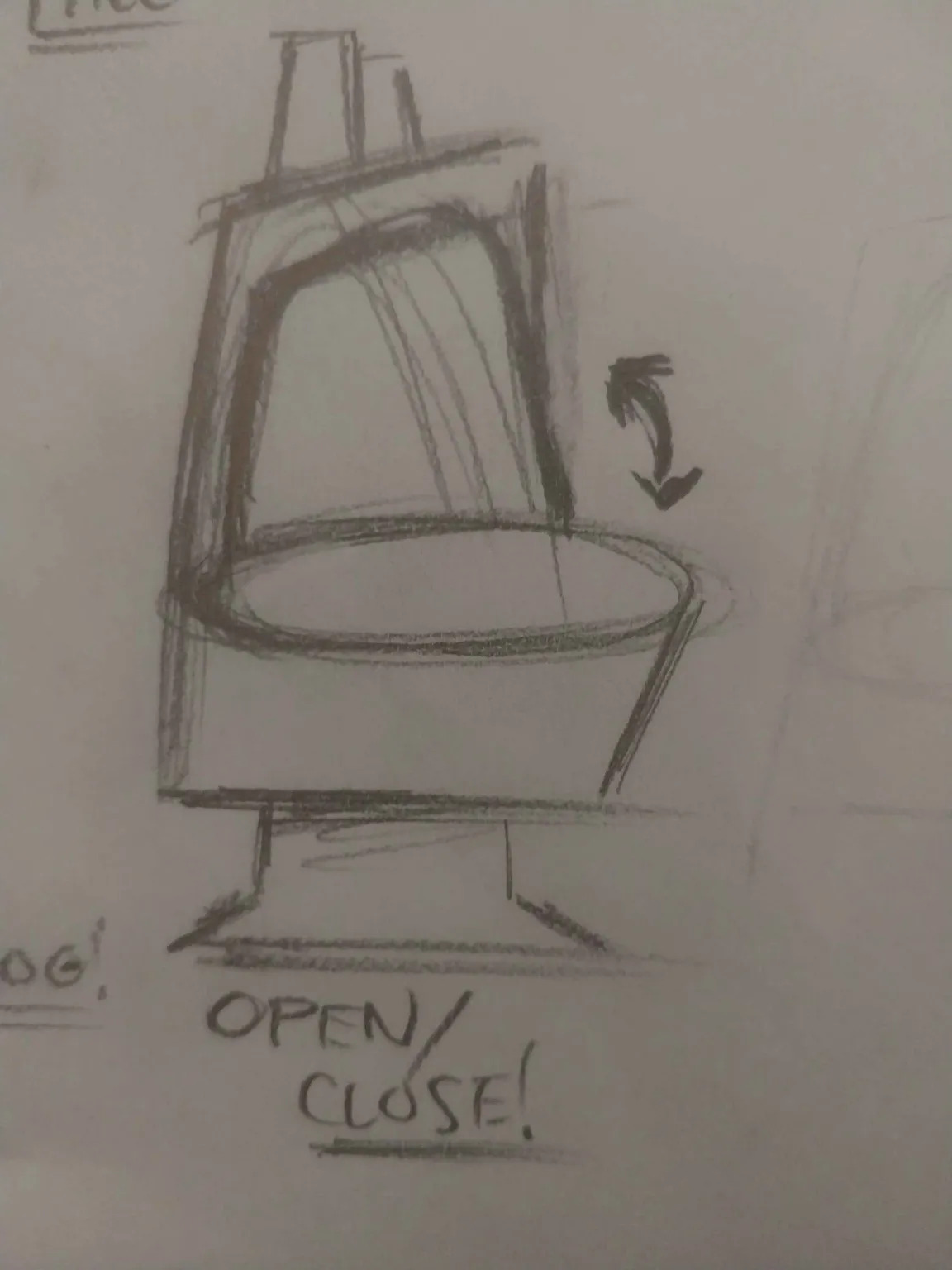
- Open / close
- Wash window
Floor / Walls
- Destroy trash
- Paint walls
- Replace lightbulb
Distractions
- TV static
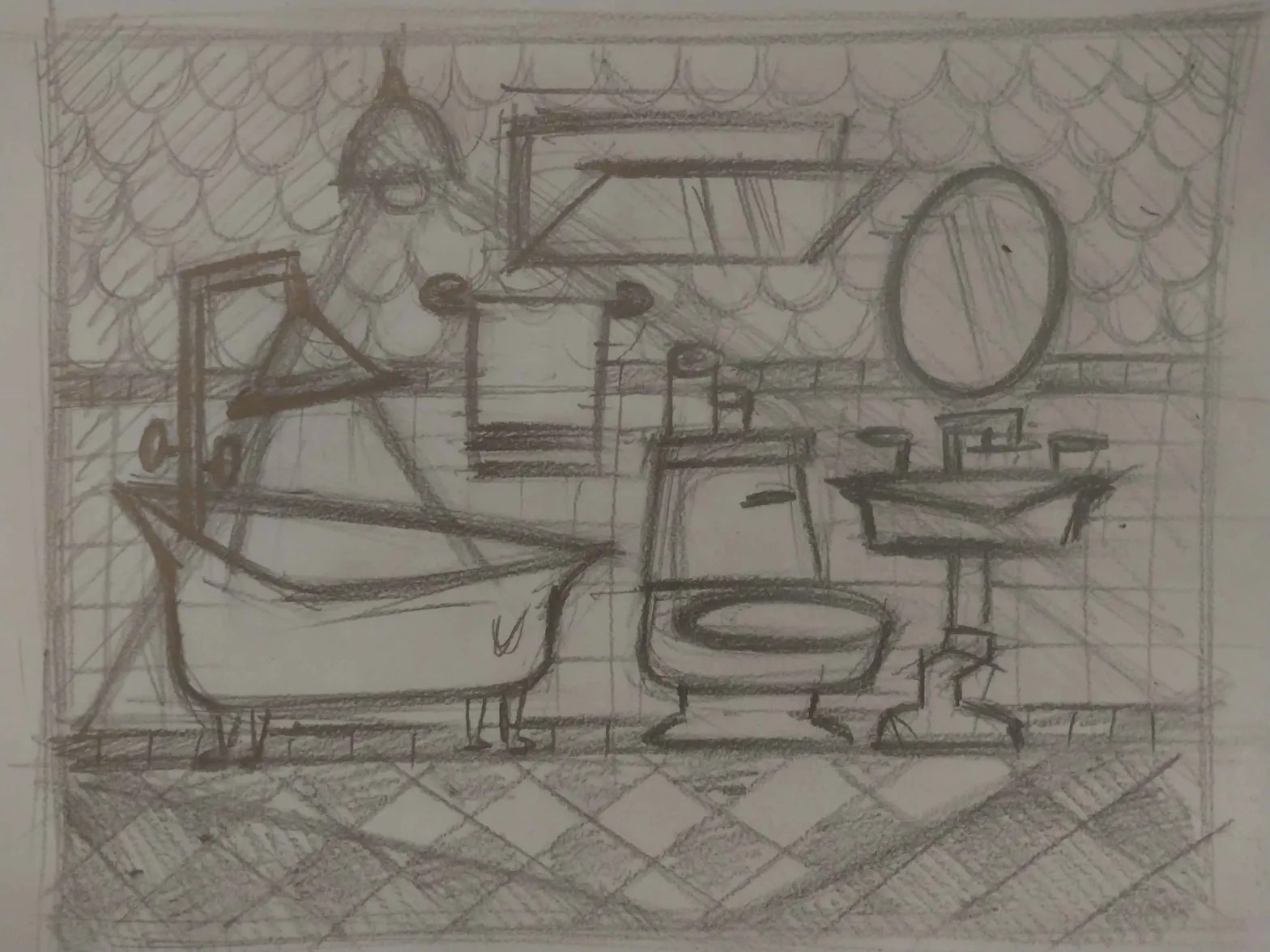
Bathroom
Bathtub
- Fill / drain
- Clean
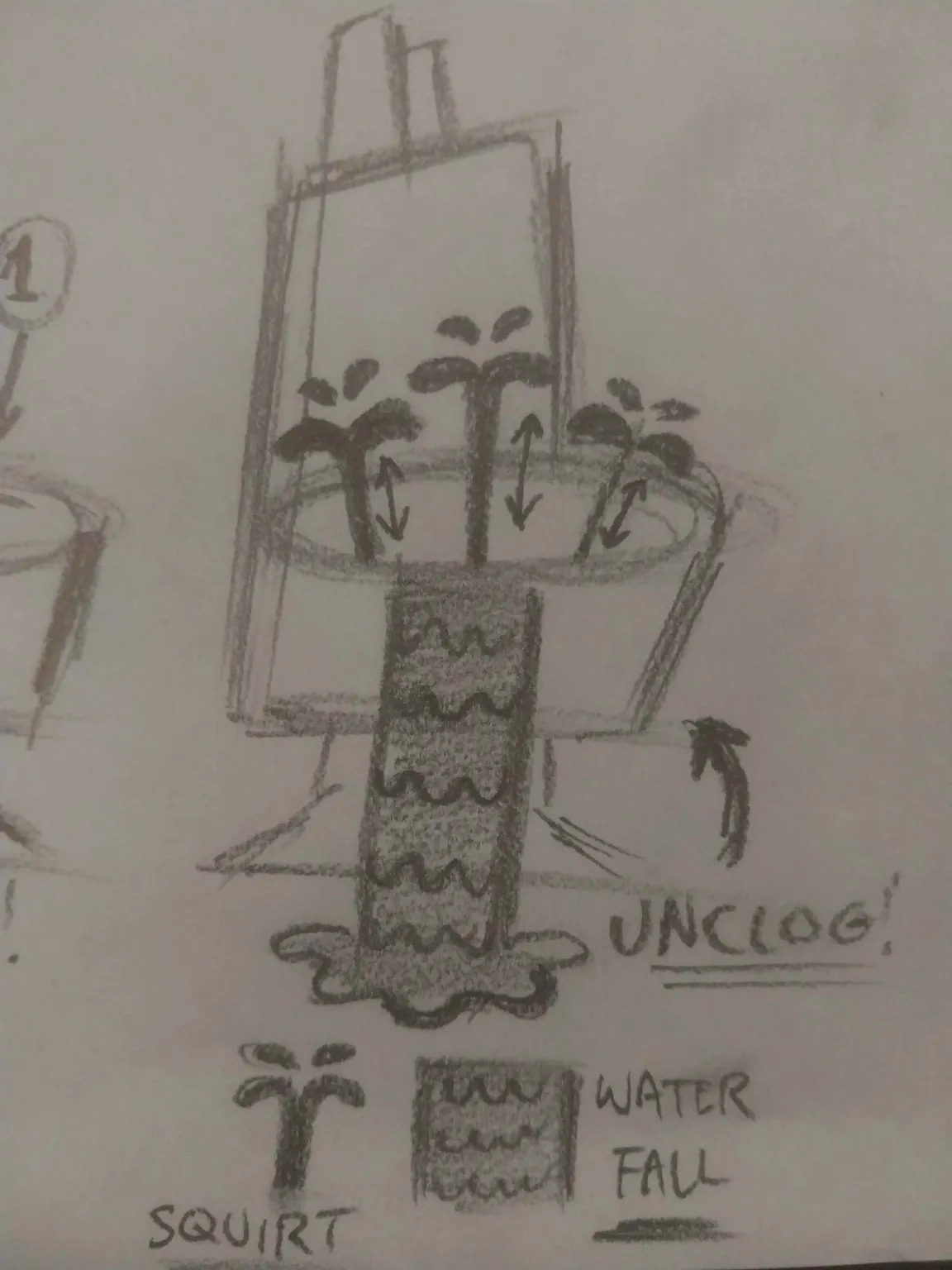
- Unclog
Sink
- Clean
- Fix pipes
- Tighten faucet
Toilet
- Lift / close seat
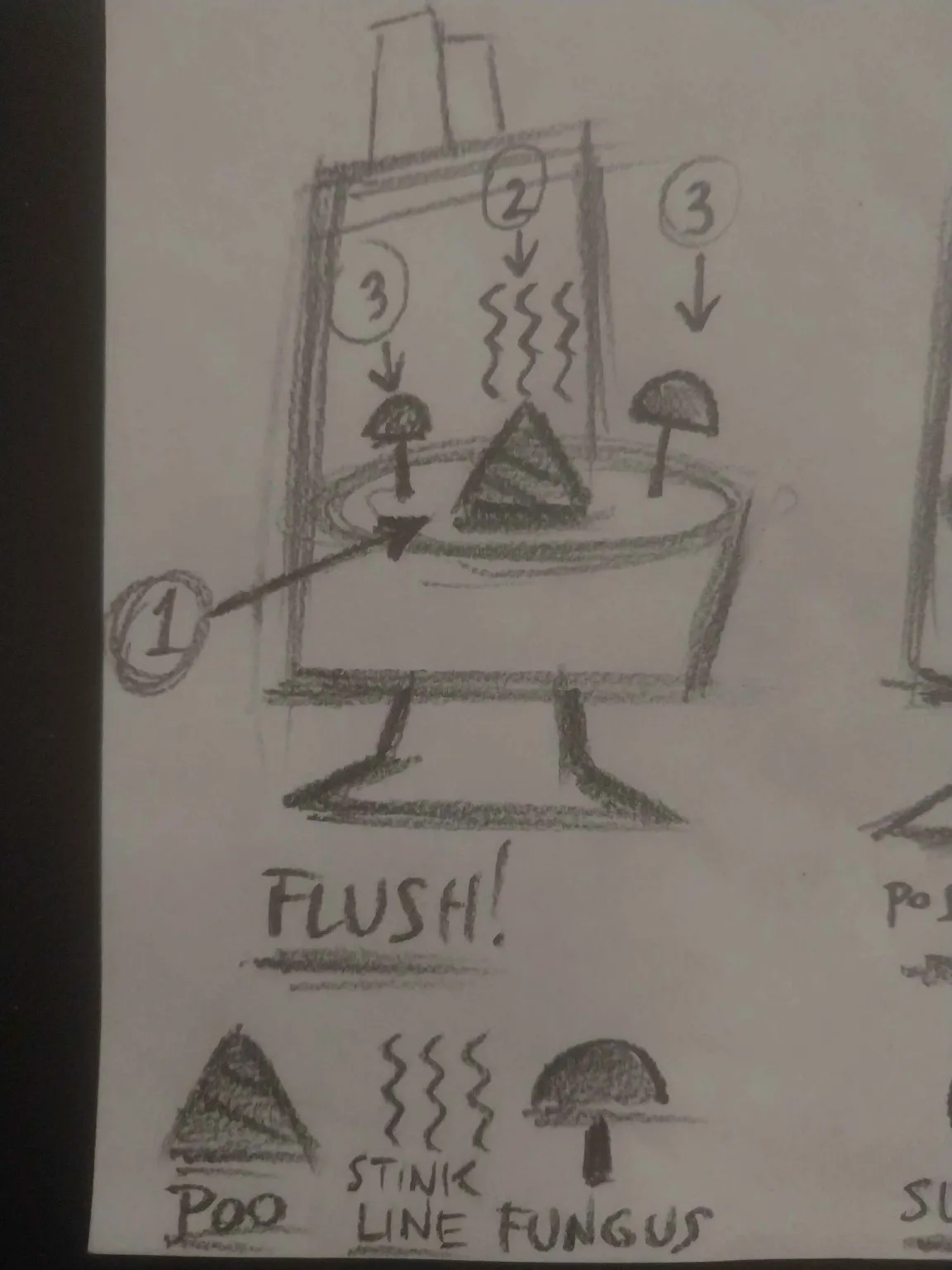
- Flush
- Unclog
Washer / Dryer
- Wash / dry clothes
- Load / remove clothes
- Clear lint trap
Floor / Walls
- Destroy trash
- Mop
- Replace lightbulb
Distractions
- Rubber duck
- Soap
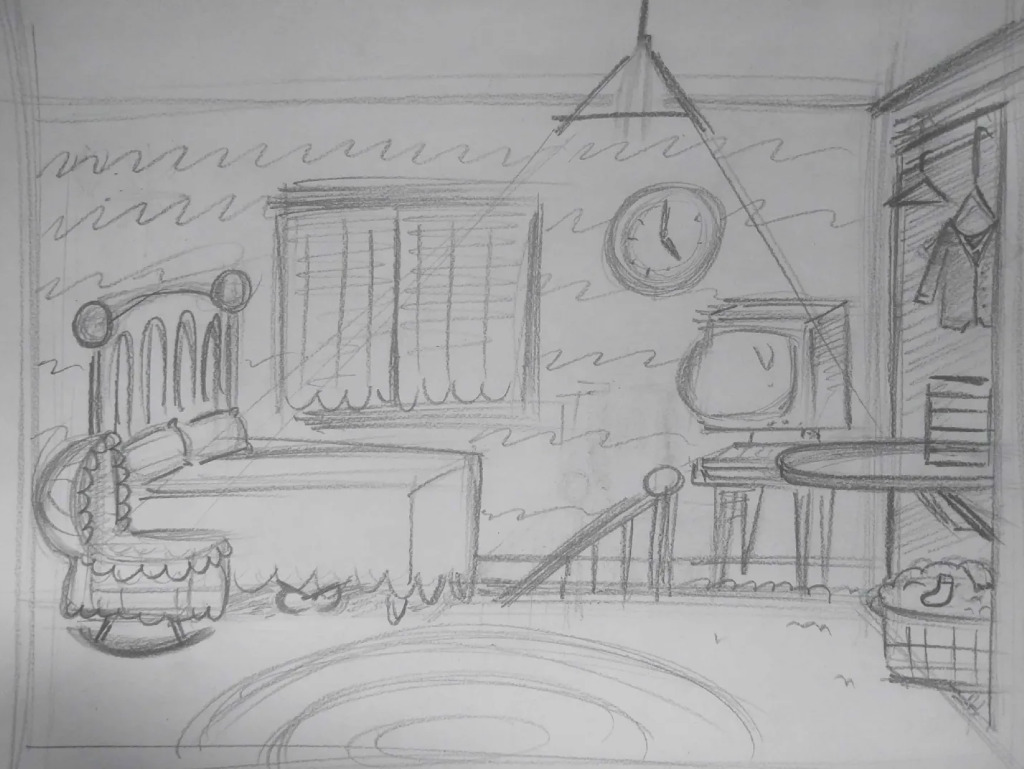
Bedroom
Baby
- Change diaper
- Rock to sleep
- Burp
Bed
- Make bed / change sheets
- Shut off alarm
- Deal with monster under bed
Clothes
- Iron
- Fold
- Put away / take out
Computer
- Download Libdragon
- Factory reset
- Turn on / off
Floor / Walls
- Destroy trash
- Vacuum
- Replace lightbulb
Distractions
- Fall asleep in bed
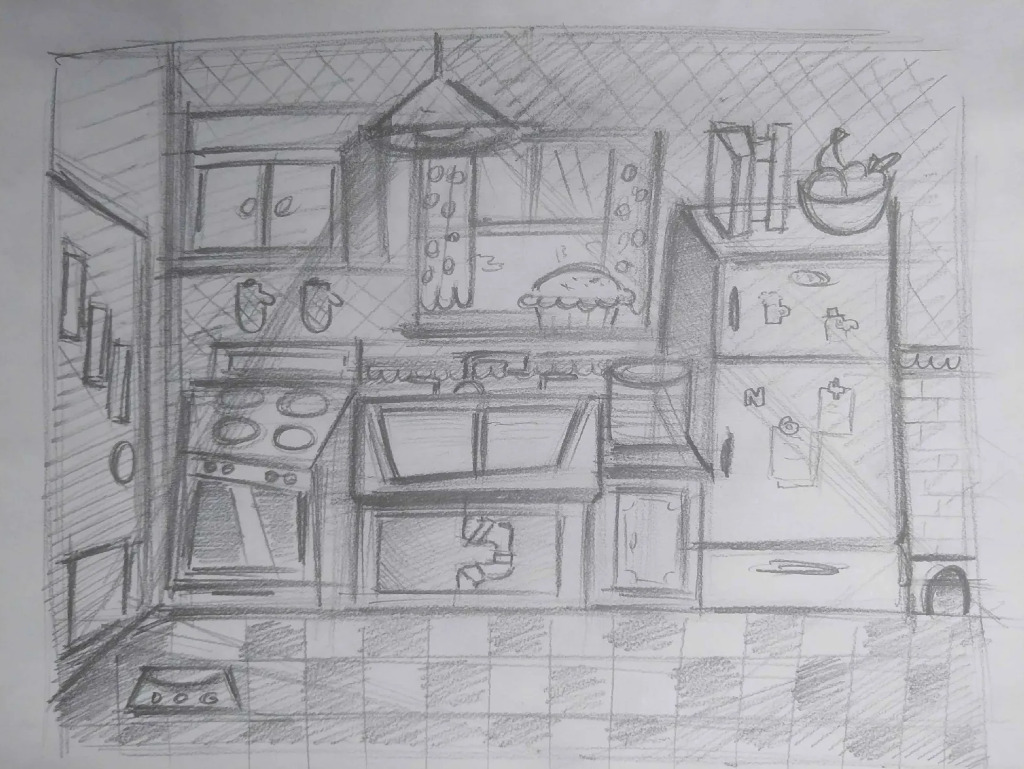
Kitchen
Dog
- Feed
- Make sit
- Let outside / inside
Fridge
- Frost / defrost
- Fill ice tray
- Load / remove groceries
Oven / Stove
- Preheat
- Cook food
- Load / remove food
Sink
- Wash / dry dishes
- Fix garbage disposal
- Fix pipes
Floor / Walls
- Destroy trash
- Sweep
- Replace lightbulb
Distractions
- Mouse
- Mousetrap
Robots
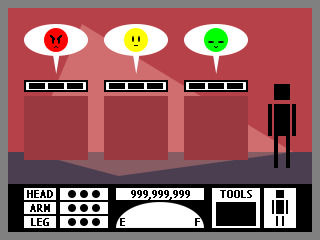
Each robot has three upgradeable parts:
- HEAD: Controls the number of tasks it can queue. As it deteriorates, the robot may perform the wrong task.
- ARMS: Controls repair speed. As they deteriorate, repairs become slower.
- LEGS: Controls movement speed. As they deteriorate, the robot moves more slowly.
Each body part has up to three upgrades. Robot parts eventually deteriorate through use. A damaged robot can be scrapped using the SCRAP-BOT and replaced with a new one.
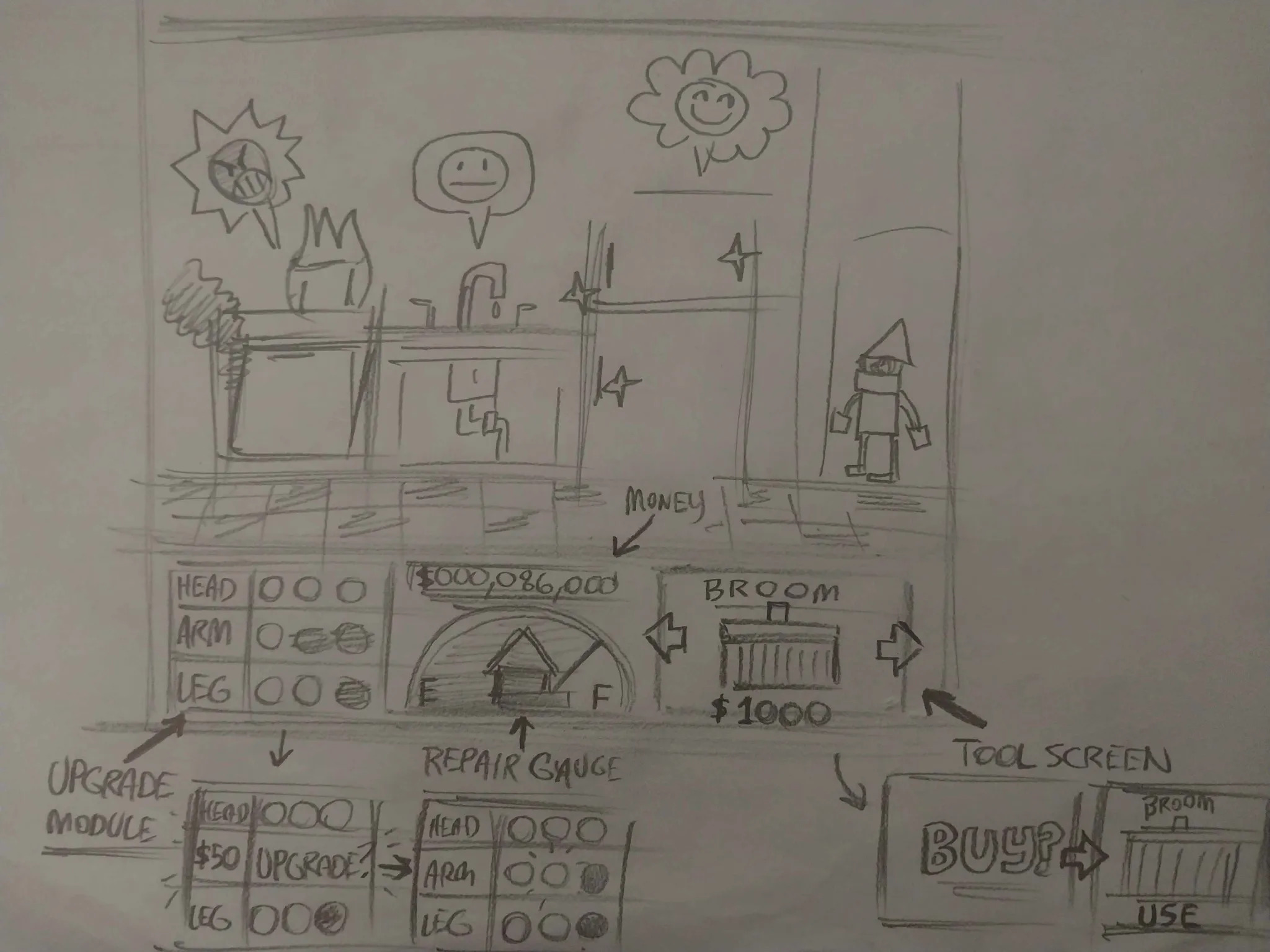
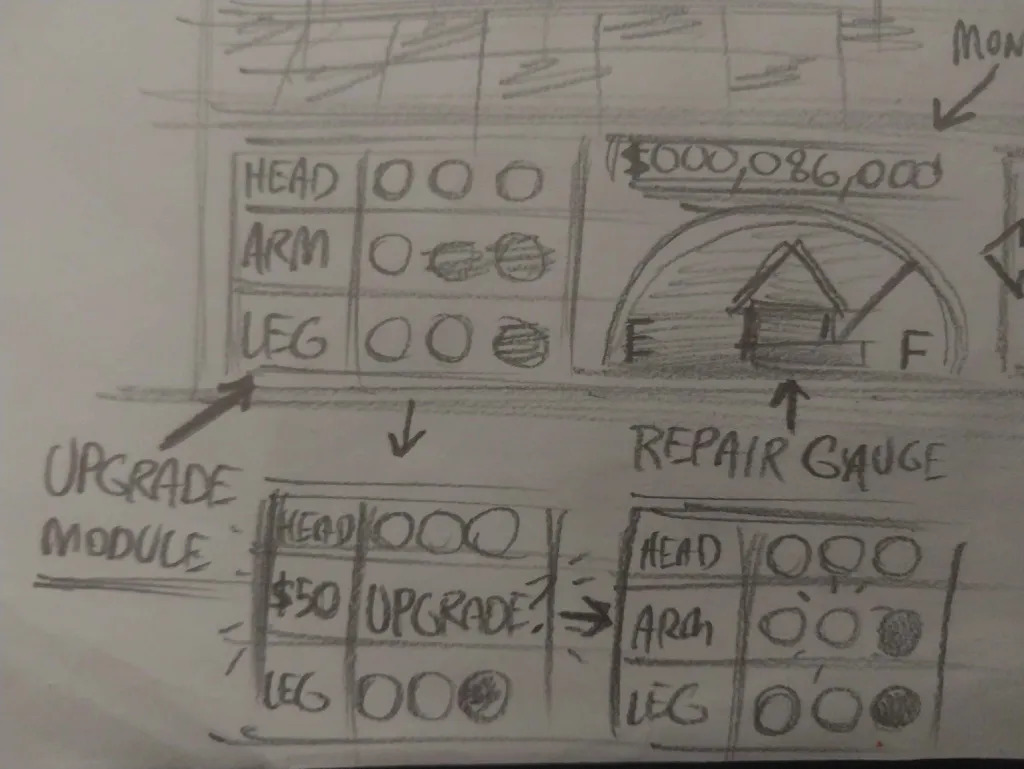
Tools
A robot can hold one tool at a time. Changing tools requires selling or destroying the currently held tool. Tools include:
- Brush
- Plunger
- Wrench
- Gloves
- Iron
- Pen
- TV Remote
- Broom
- Mop
- Vacuum
- Lightbulb
- Bone
- Paint
The TV Remote is found by cleaning between the sofa cushions, and some tools are one-use items and disappear after being used.
Progression
The player starts with a limited number of robots and upgrades. Money earned from completed tasks allows the player to increase their capacity by purchasing upgrades, tools, and additional robots.
As the game progresses, the number and variety of tasks increase while the robots’ equipment deteriorates. The player therefore has to manage task queues, robot assignments, tools, and replacements all at the same time.
Art direction
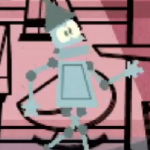
The art style was to be in the style of a retro mid-century cartoon illustration. You know, like Gerald McBoing-Boing, Mr Magoo, The Jetsons and the like.
What we ended up making
If you take that game design idea, what we made is pretty much just that but with all the flair stripped out. The game still has the four rooms with a bunch of furniture in each and each one has a set of tasks to complete, but that’s about it.
Here’s all the stuff that was taken out on the game jam release:
- Multiple robots; you control only one
- Removed the whole money/upgrade system
- Robots don’t degrade, the only lose condition is letting tasks expire
- No tool system
- All tasks have the same urgency, length and complexity
- Furniture was supposed to have custom art for each state of decay
Things we ended up adding:
- Win condition: fixing 10 tasks
Honestly, it’s best if you look at the game page for what it ended up becoming.
What we’d do differently
I think it goes without saying that the game is quite incomplete. To be honest, a large part of this is due to the timing of the game jam. We got caught with the Christmas holidays, a childbirth, and a house move in the way between us.
Though those are just life circumstances that we can’t really change. What would be more useful is to have a think about what could have been changed.
I think that where we went wrong was the scope. There were too many pieces of furniture, tasks and dependencies. The idea was that a task like “put food in the oven” would trigger “take food out” after a short while. This would require timers, logic and all the bells and whistles.
This game would also require quite a lot of art and animation, since each furniture would require three states of decay for each task that is active.
Not to mention that each task would require different prerequisites like tools, or waiting, plus multiple robots. It just seems very out of hand.
I think what made Hydra Harmonics a better game was that it’s a lot simpler, so we could build the minimum viable product in 2 weeks and spend the rest of the time polishing the heck out of it.
Well, what’s done is done. At least it’s a game that has a basic gameplay loop with a win/lose condition. It’s just that the game’s ambition was a bit too big for its britches.